
TilePlan
Plan tile layouts, calculate materials, and generate accurate cut lists for any room shape
 100% Free — No ads, no sign-ups
Plan the job before you start
Get accurate material counts and see your full layout before cutting a single tile.
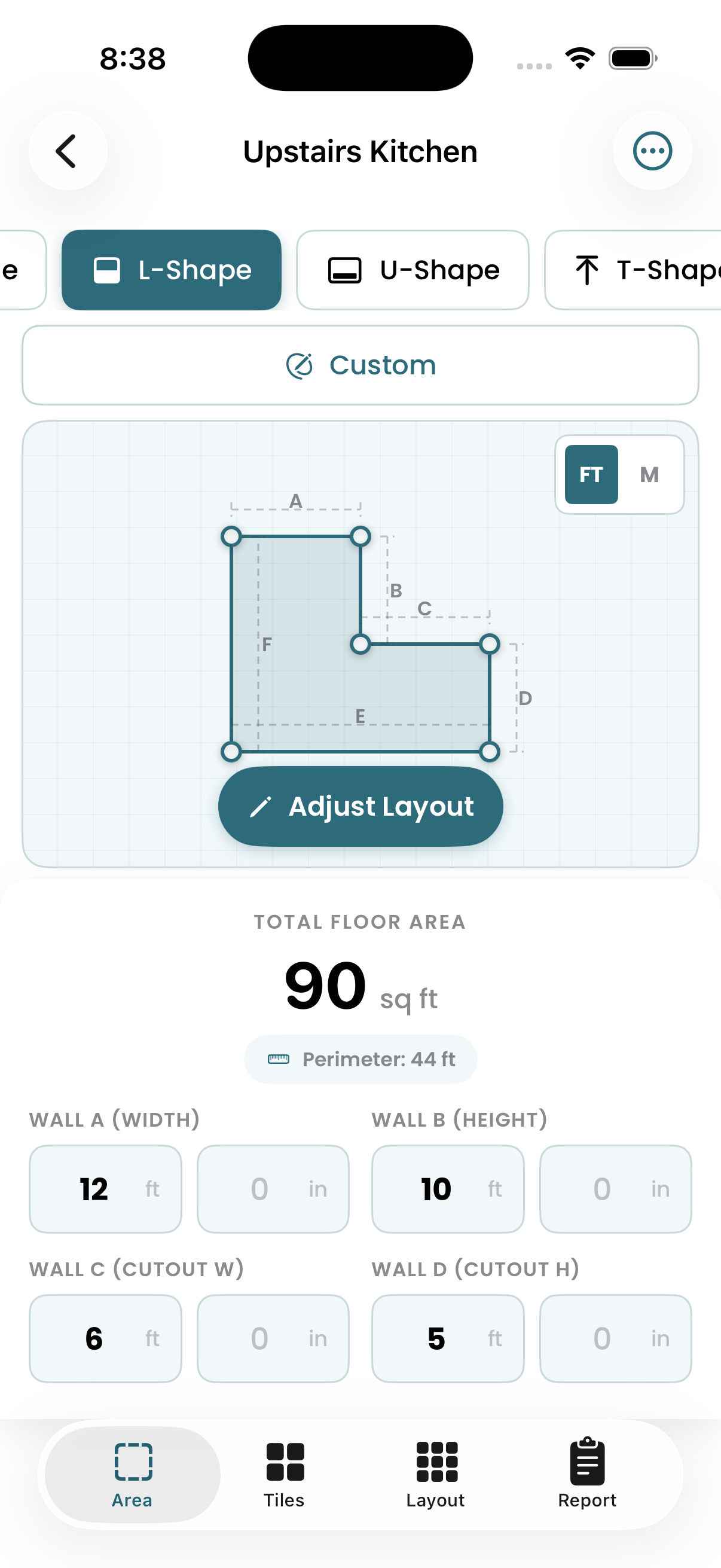
Define your space
Enter room dimensions for standard rectangles, or build L-shapes, U-shapes, and custom layouts for rooms with alcoves or obstacles.
- Common room templates
- Feet or metric units
- Complex floor plans supported
Configure your tile
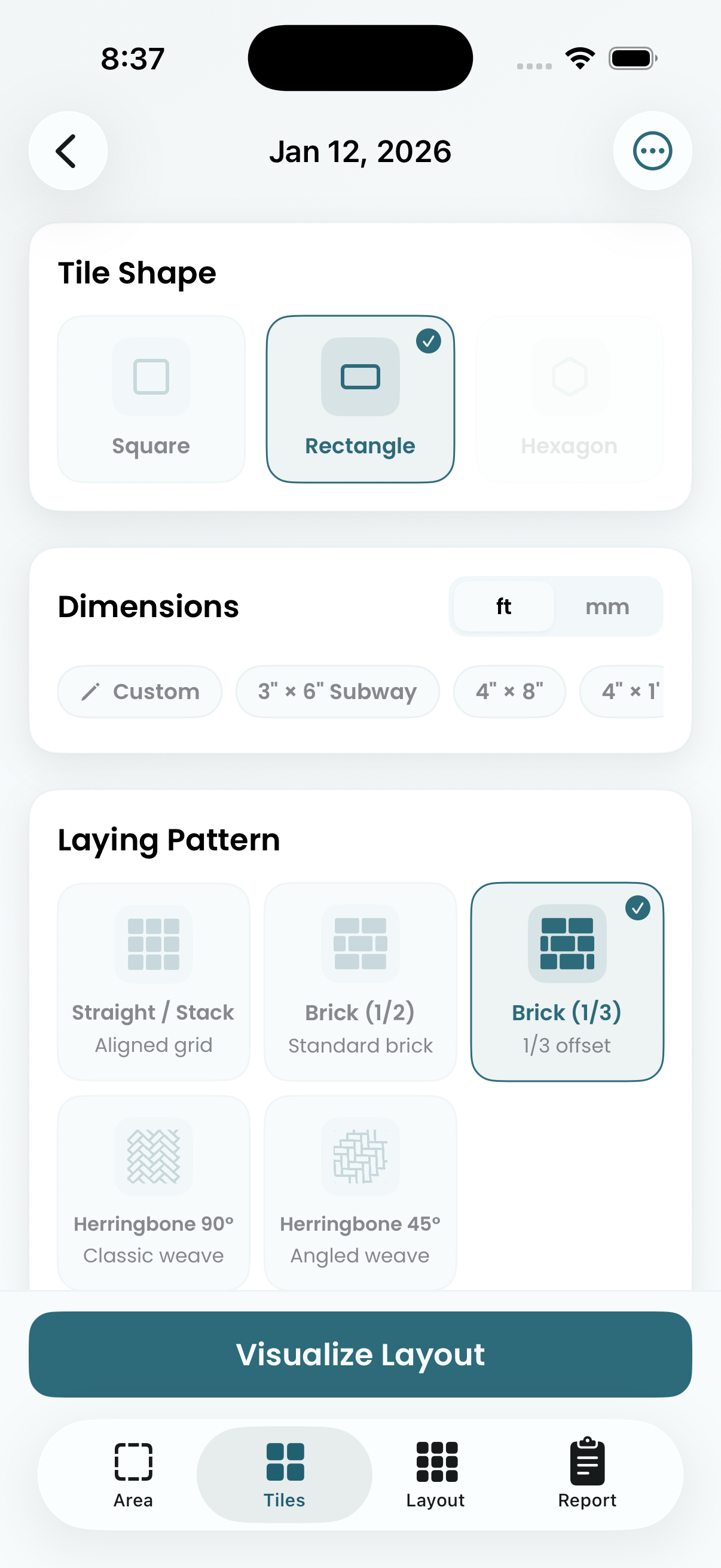
Set your tile dimensions and choose a laying pattern. Compare how different sizes and patterns affect material requirements and cut complexity.
- Custom tile dimensions
- Brick, herringbone, 1/3 offset & more
- Square, rectangular, and hex tiles
Preview the layout
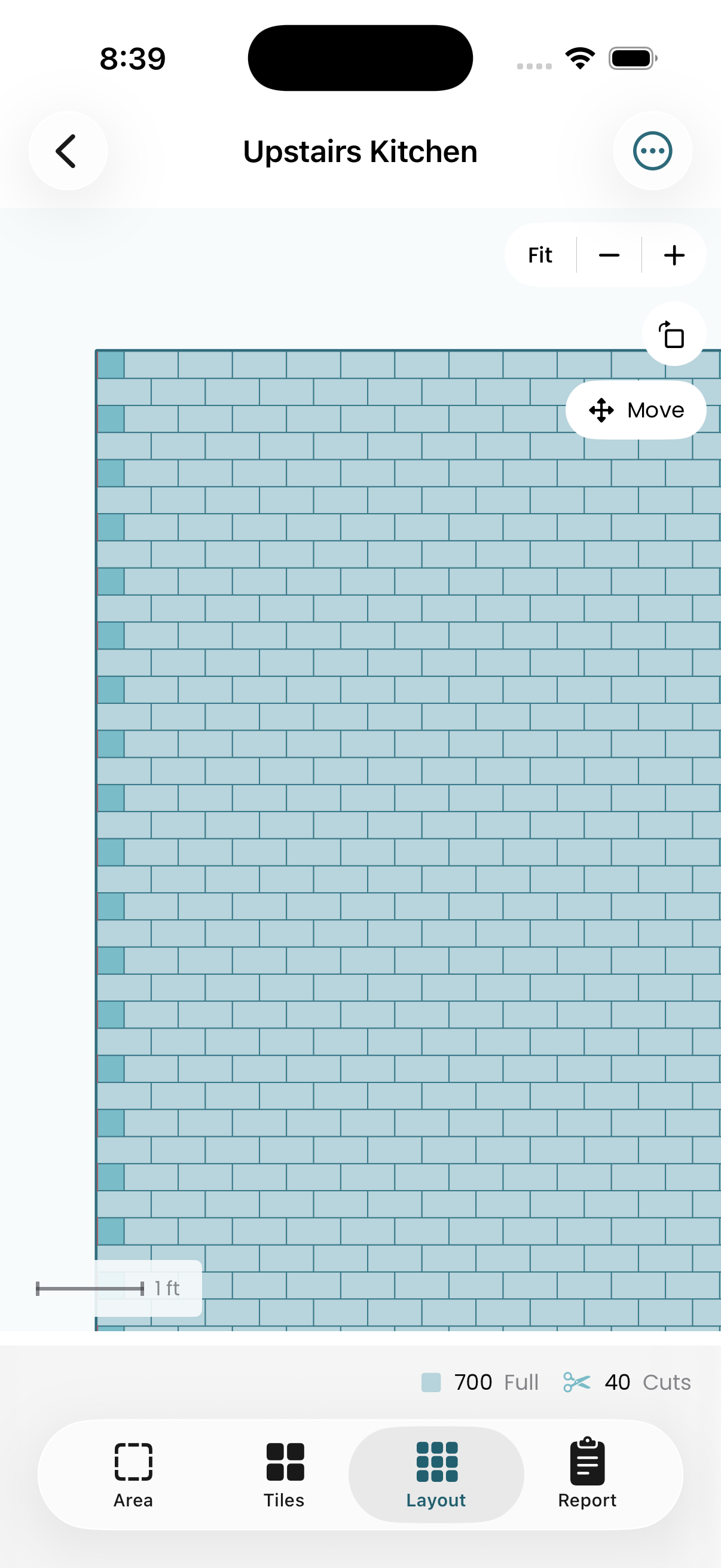
See every tile placement with full tiles and cuts clearly marked. Drag the tile grid to offset the starting position — center your layout, balance edge cuts, or align to a focal point. The layout updates live as you adjust.
- Drag to offset tile starting position
- Full tiles vs. cuts highlighted
- Zoom, pan, and inspect any area
Get your material count
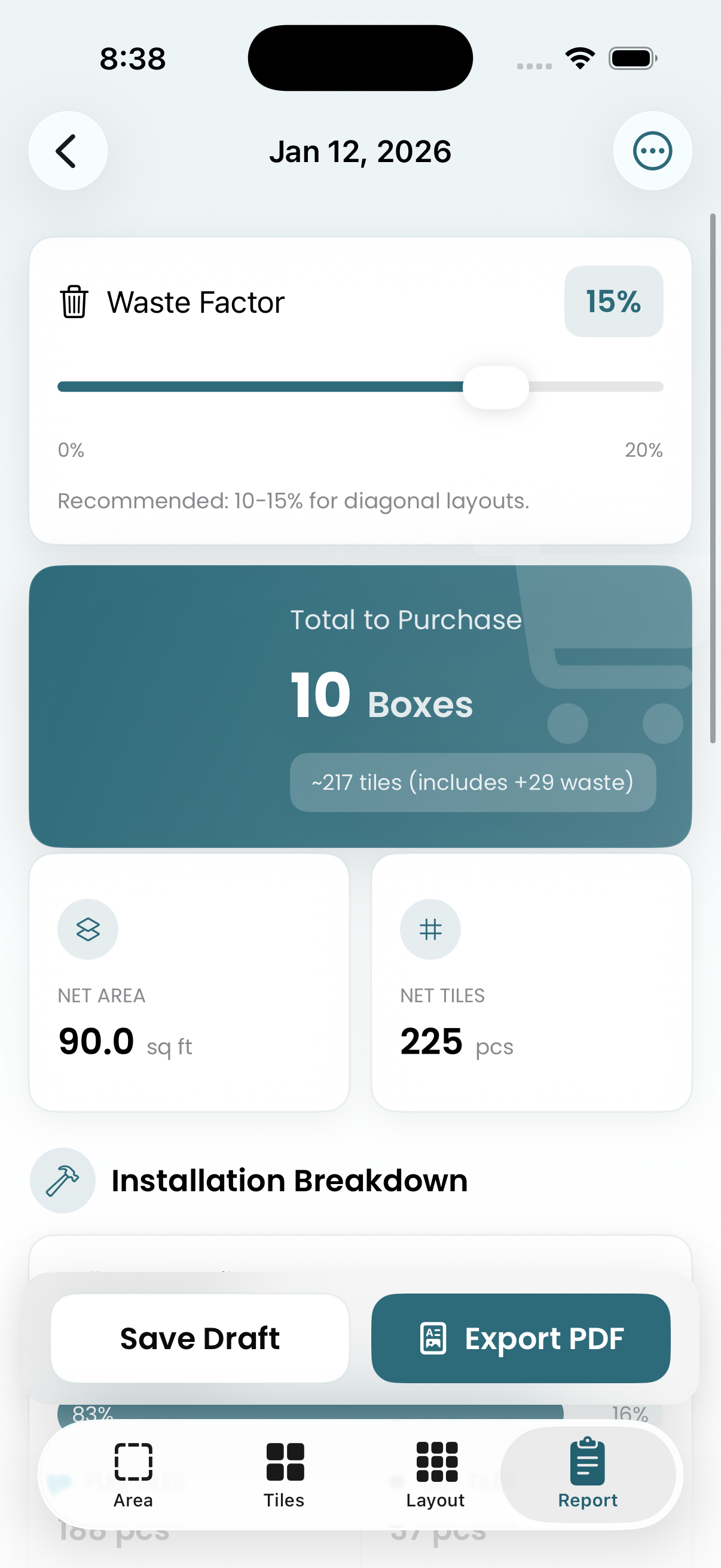
Exact tile counts with configurable waste factor. Know how many boxes to order and have a realistic buffer for cuts and breakage.
- Total tiles and boxes needed
- Adjustable waste percentage
- Export to PDF or CSV
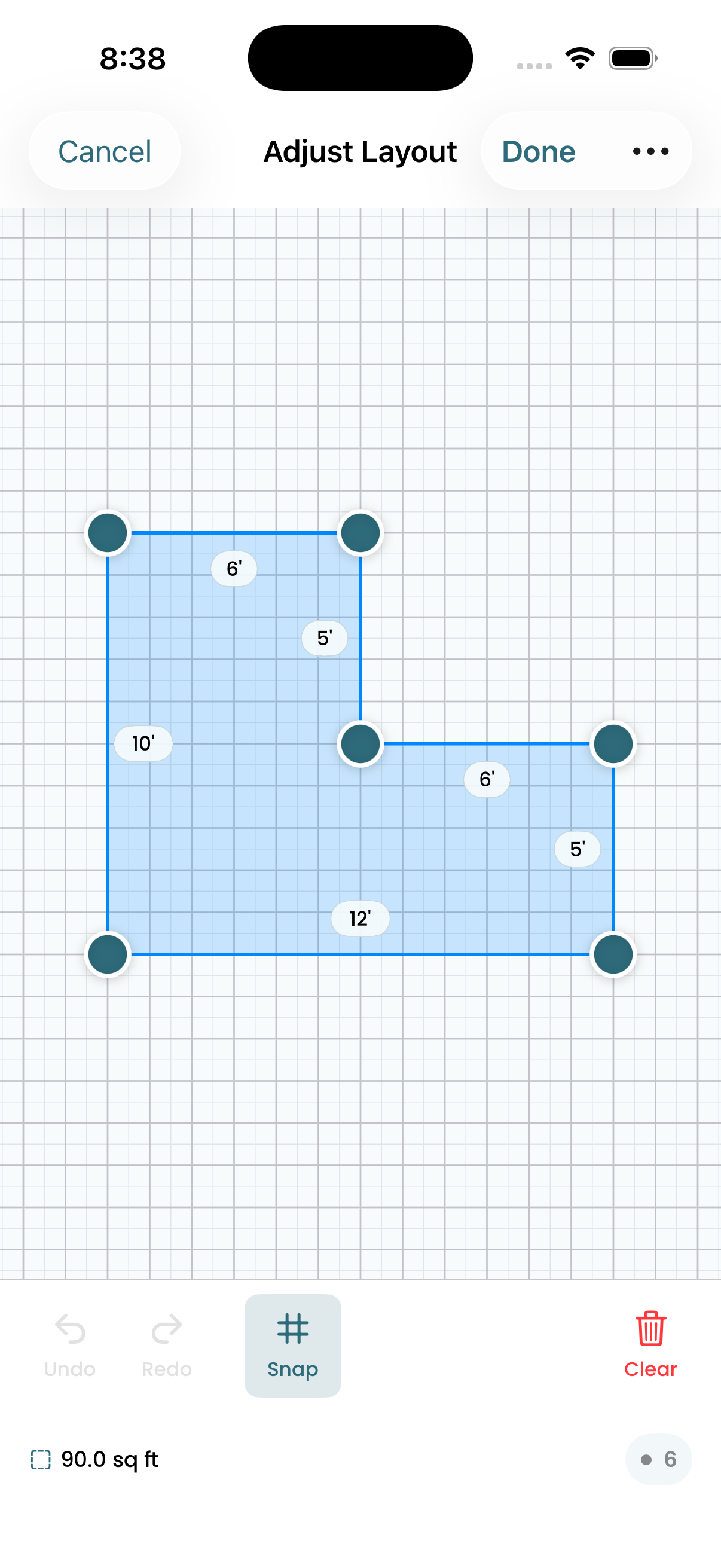
Edit with precision
Adjust room geometry by dragging corner points. Measurements update in real time, so you can match your actual floor plan exactly.
- Drag-to-edit corners
- Snap-to-grid option
- Live dimension readout
Tile Planning Tips & Guides
Practical advice for DIYers and contractors planning tile installations.
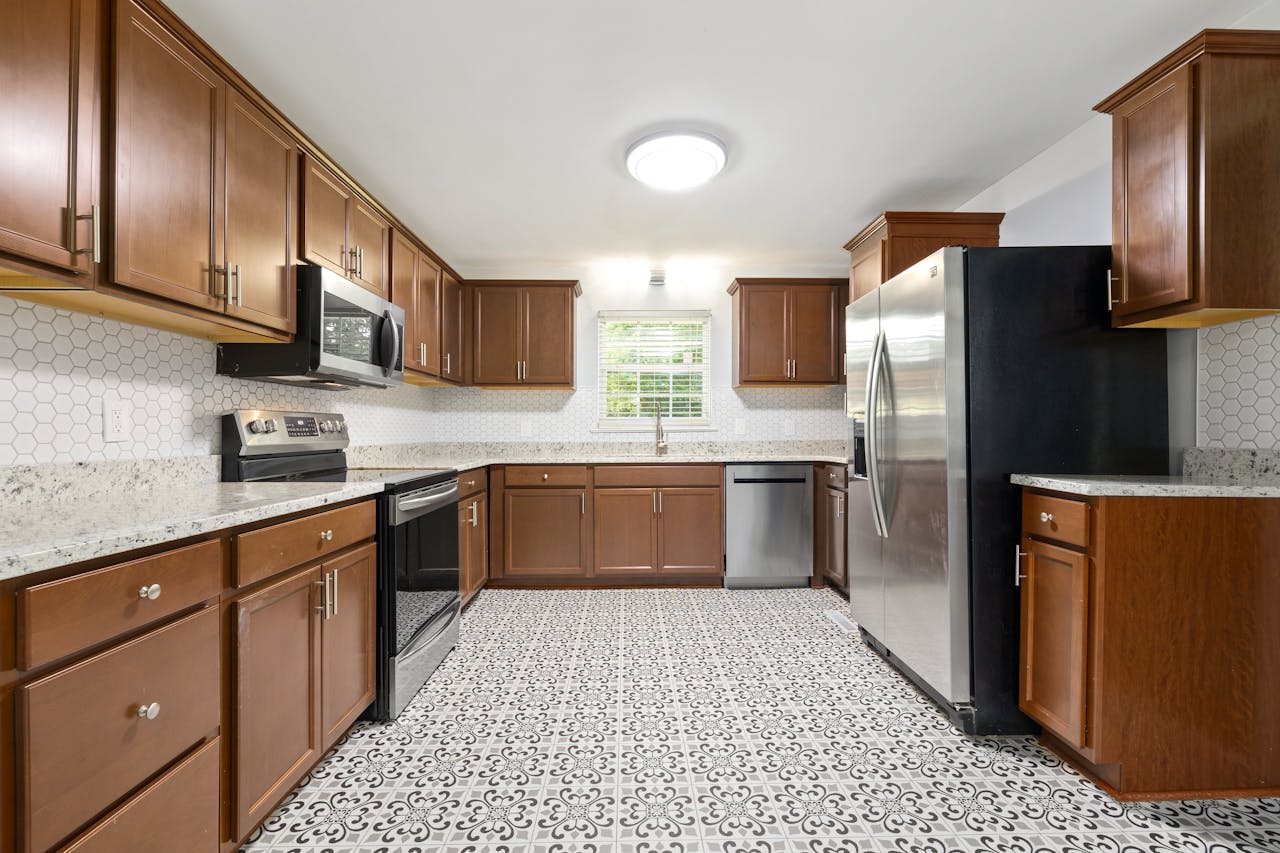
What Size Tile Makes a Small Kitchen Look Bigger?
How tile size, layout pattern, and grout color affect the perceived size of a small kitchen — with practical recommendations.
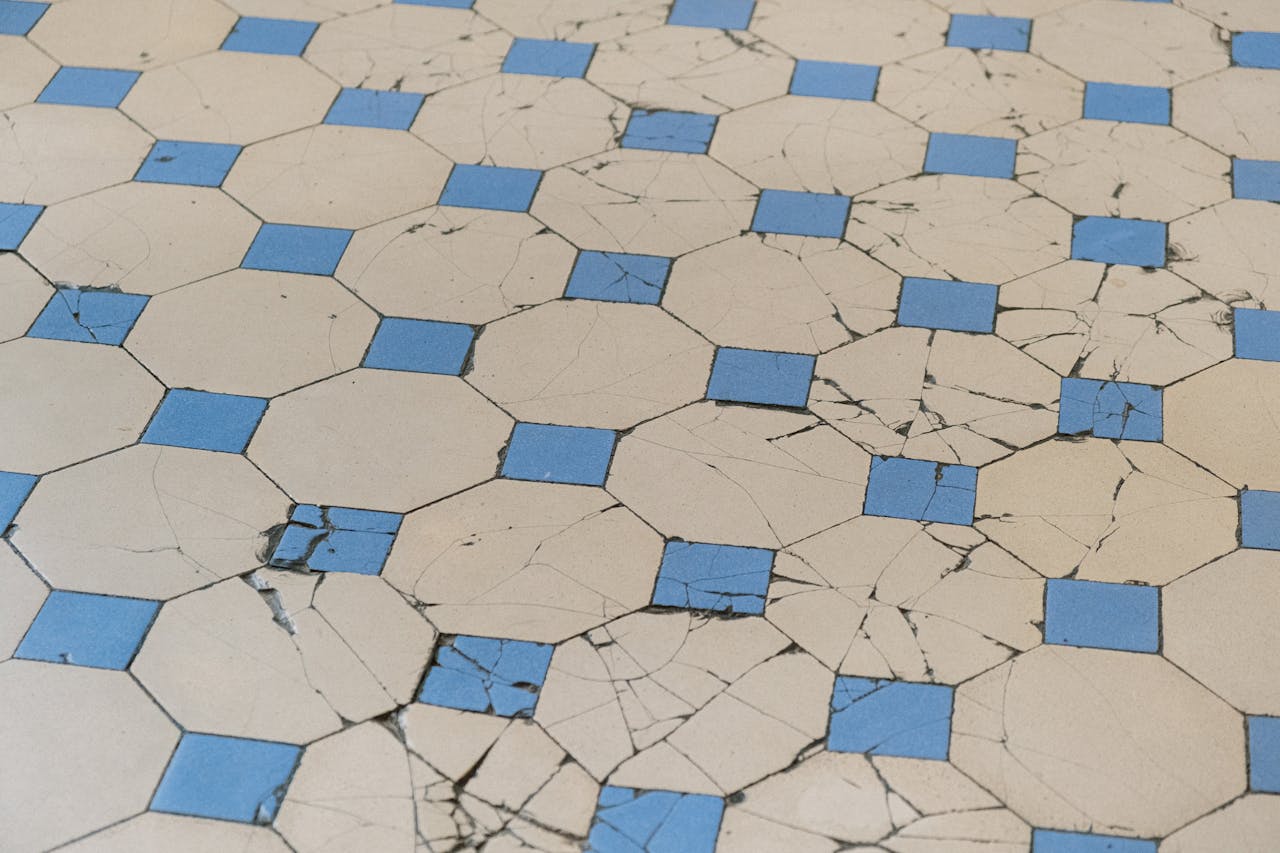
Tiling Over Existing Tile: When It Works and When It Doesn't
Can you tile over existing tile? Sometimes yes, sometimes no. Here's how to evaluate your situation, prep correctly, and avoid costly mistakes.
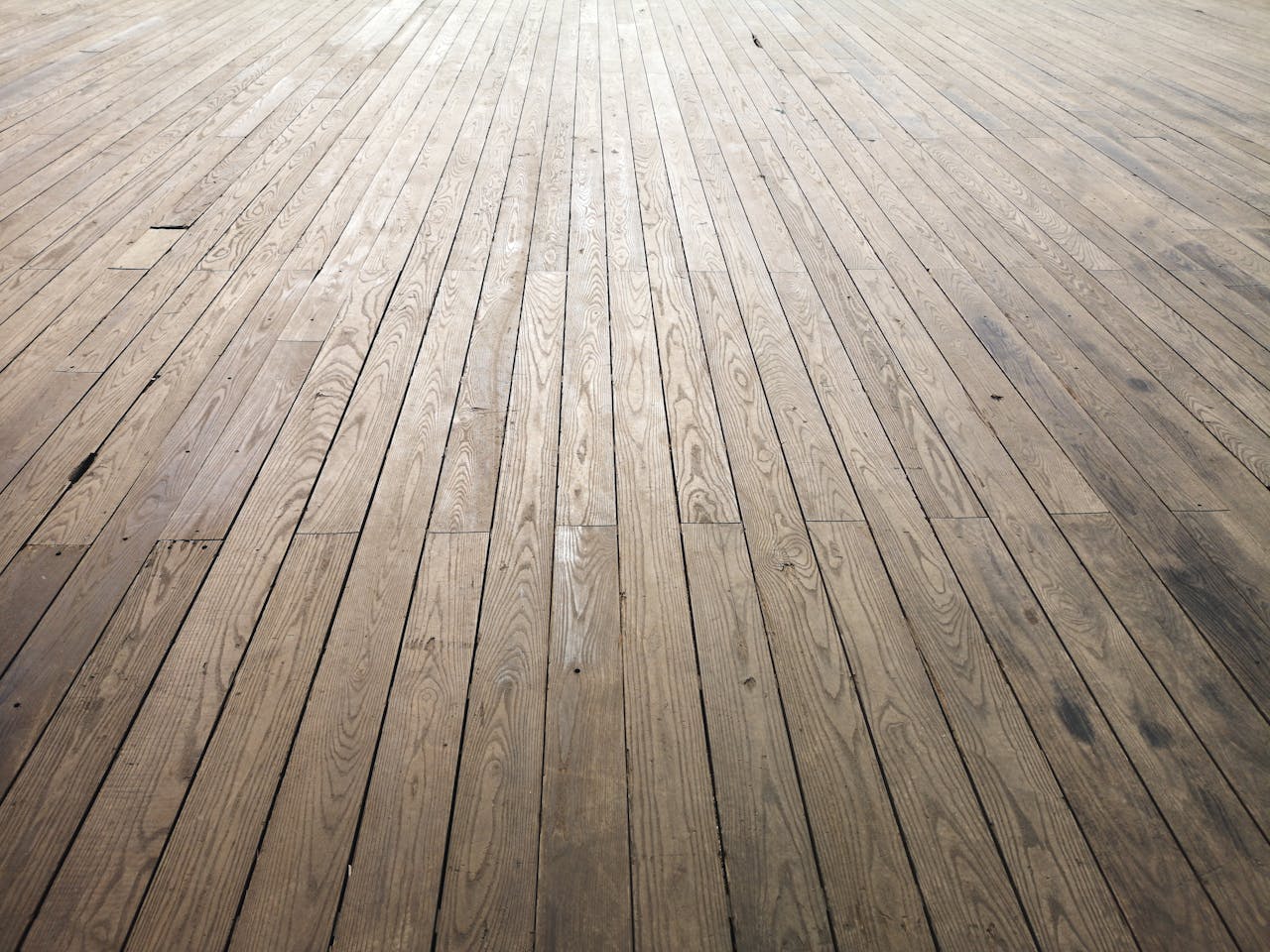
Tile vs. Vinyl Plank Flooring: Which Should You Choose?
An honest comparison of tile and vinyl plank flooring — cost, durability, moisture resistance, installation, resale value, and comfort.
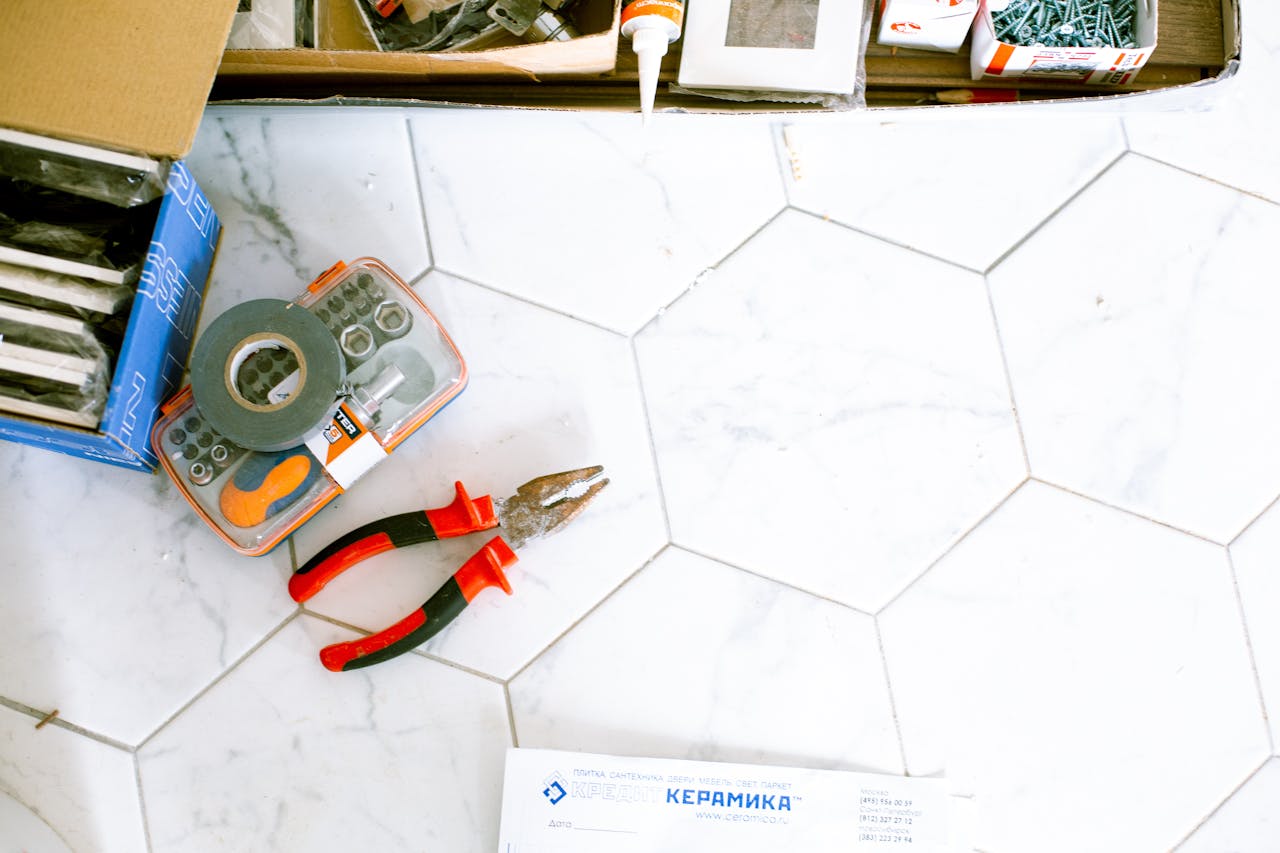
Tile Underlayment: What Goes Under Your Tile Floor?
A practical guide to tile underlayment options — cement board, Ditra, plywood, and self-leveling compound. When to use each and mistakes to avoid.
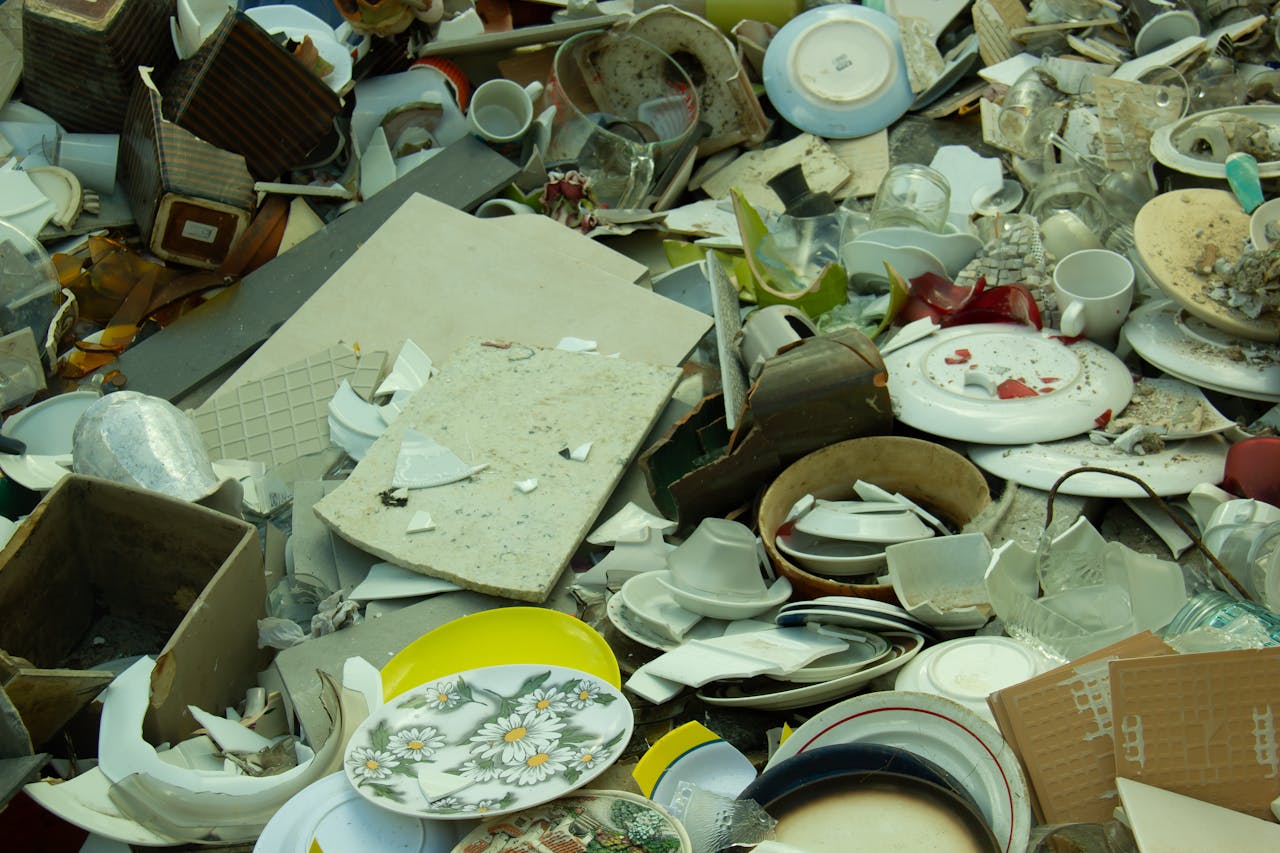
The Real Cost of Tile Waste (And How to Minimize It)
Tile waste costs more than you think. See real dollar examples at different price points, why flat percentages mislead, and how layout-based planning gives honest numbers.
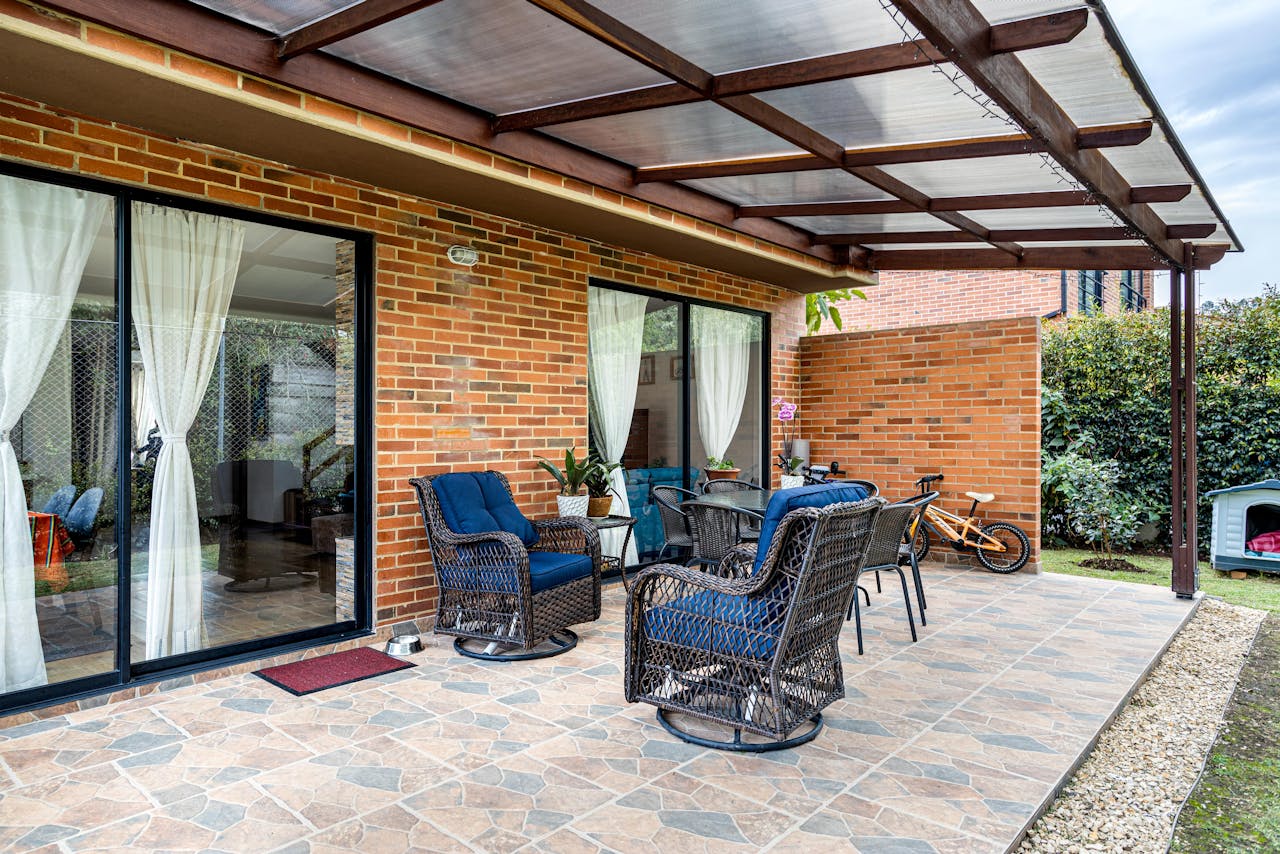
Outdoor Tile: What You Need to Know Before You Start
A practical guide to outdoor tile — porcelain vs natural stone, frost resistance, drainage, slip ratings, expansion joints, and mortar for exterior installations.
Get TilePlan
Free for iPhone, iPad, and Mac. No account required.