
TilePlan
Plan tile layouts, calculate materials, and generate accurate cut lists for any room shape

Plan the job before you start
Get accurate material counts and see your full layout before cutting a single tile.
Define your space
Enter room dimensions for standard rectangles, or build L-shapes, U-shapes, and custom layouts for rooms with alcoves or obstacles.
- Common room templates
- Feet or metric units
- Complex floor plans supported
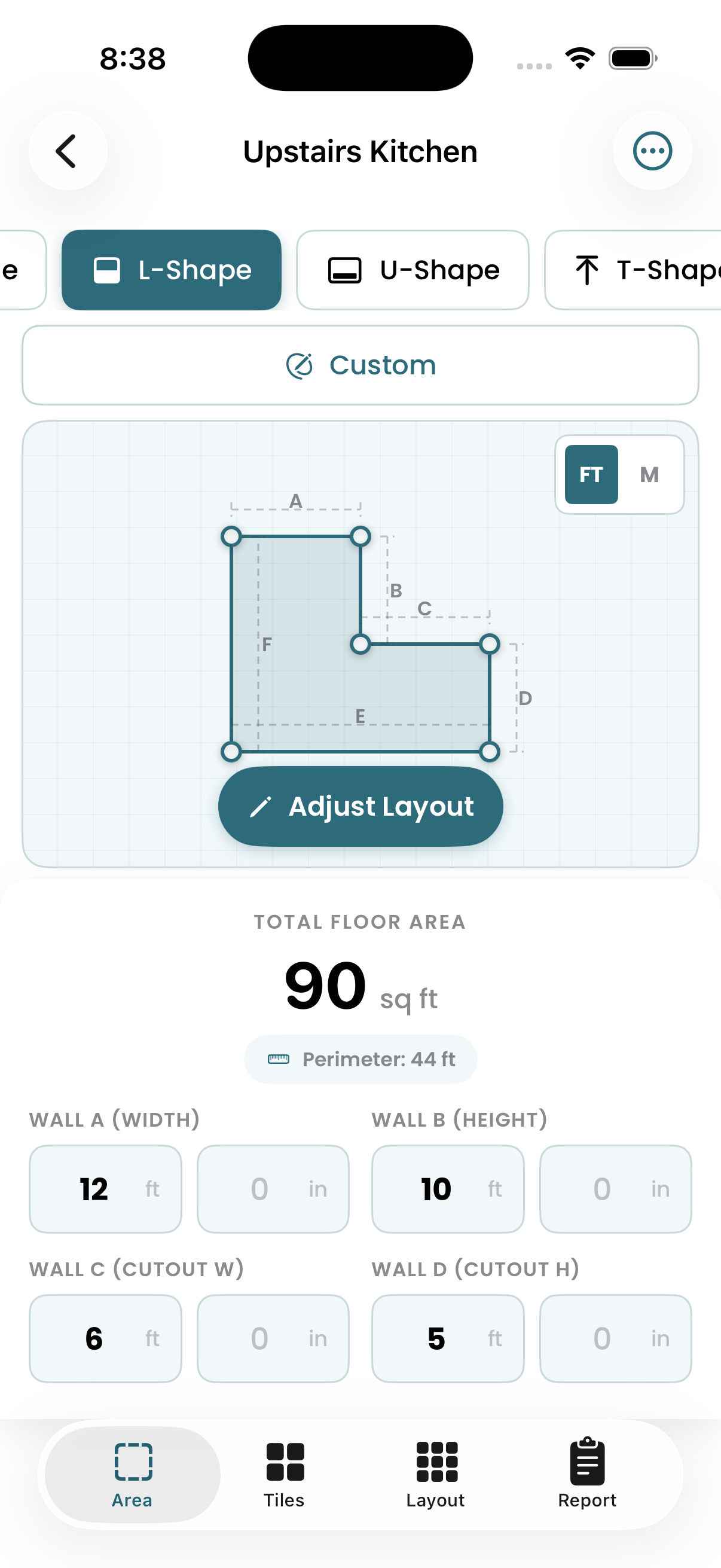
Configure your tile
Set your tile dimensions and choose a laying pattern. Compare how different sizes and patterns affect material requirements and cut complexity.
- Custom tile dimensions
- Brick, herringbone, 1/3 offset & more
- Square, rectangular, and hex tiles
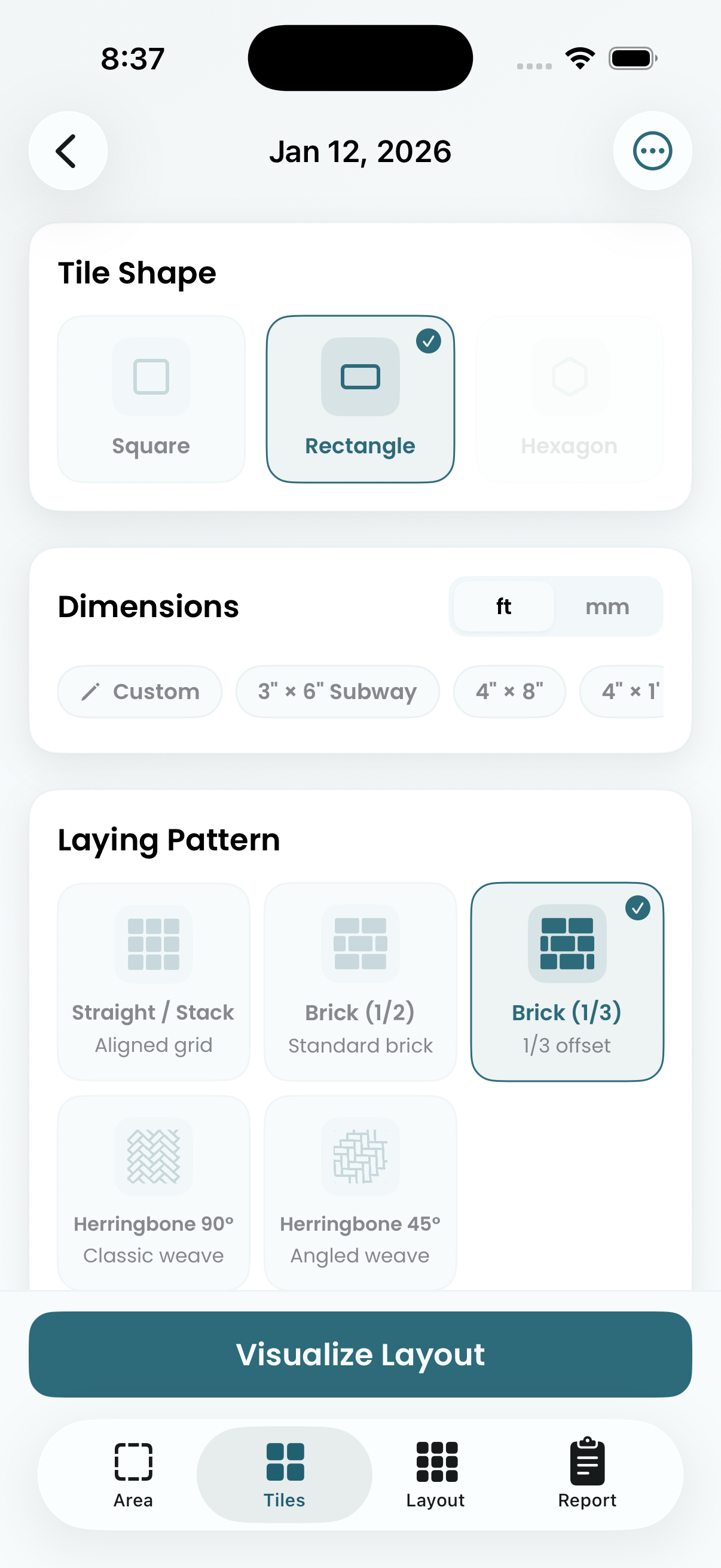
Preview the layout
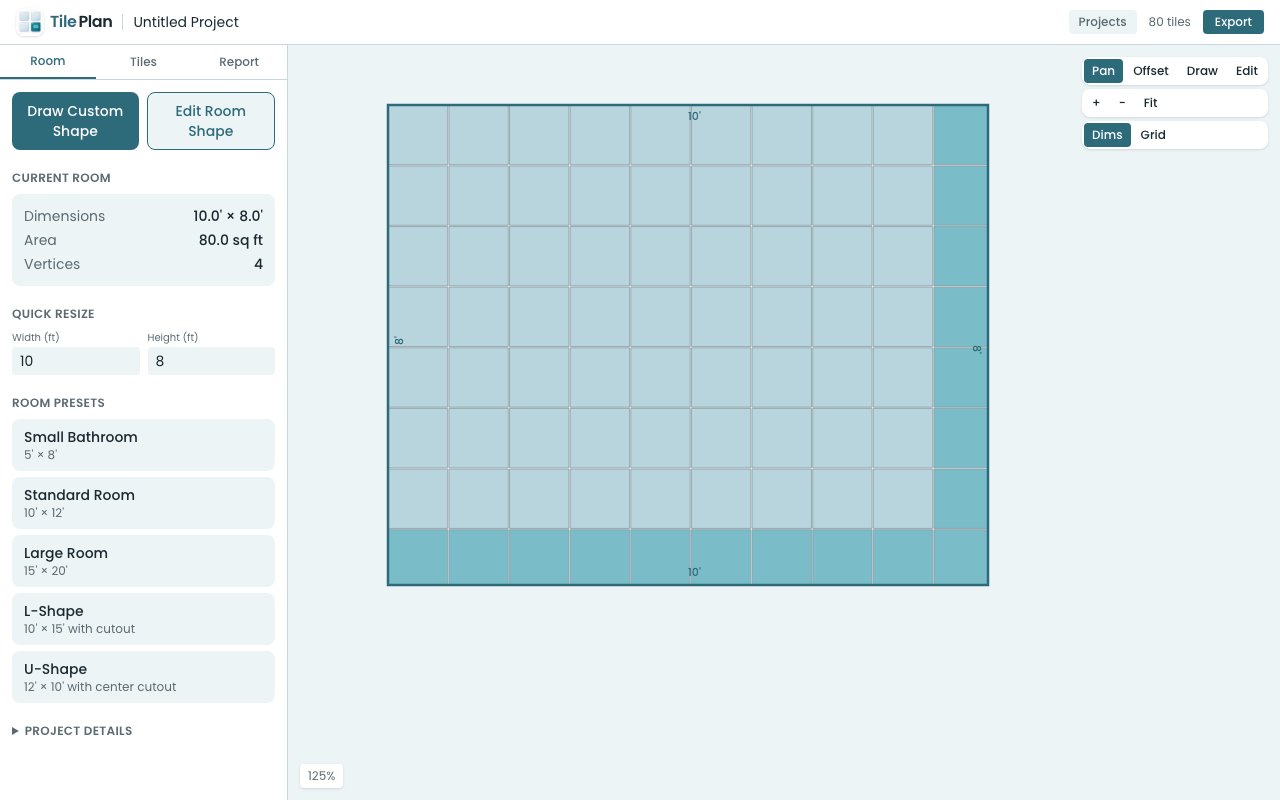
See every tile placement with full tiles and cuts clearly marked. Drag the tile grid to offset the starting position — center your layout, balance edge cuts, or align to a focal point. The layout updates live as you adjust.
- Drag to offset tile starting position
- Full tiles vs. cuts highlighted
- Zoom, pan, and inspect any area
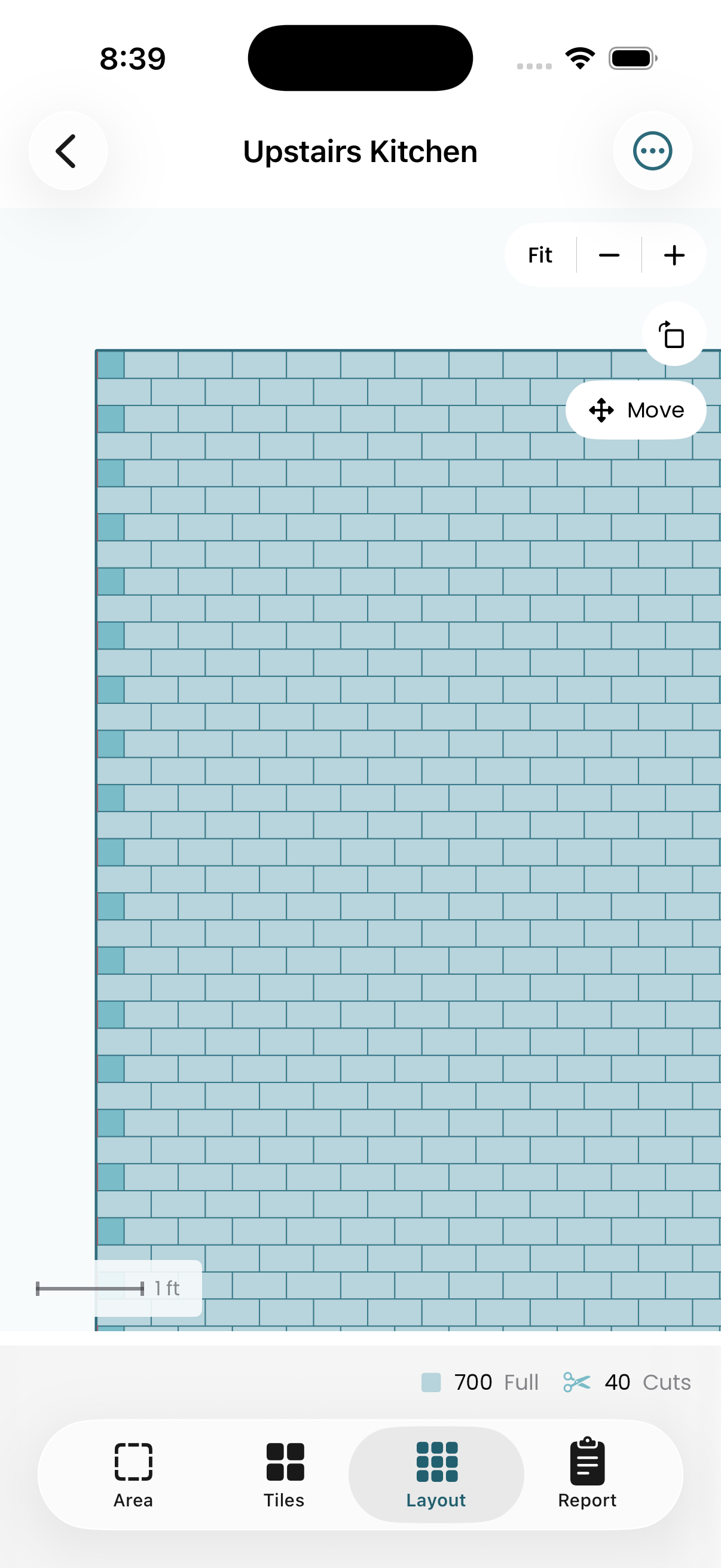
Get your material count
Exact tile counts with configurable waste factor. Know how many boxes to order and have a realistic buffer for cuts and breakage.
- Total tiles and boxes needed
- Adjustable waste percentage
- Export to PDF or CSV
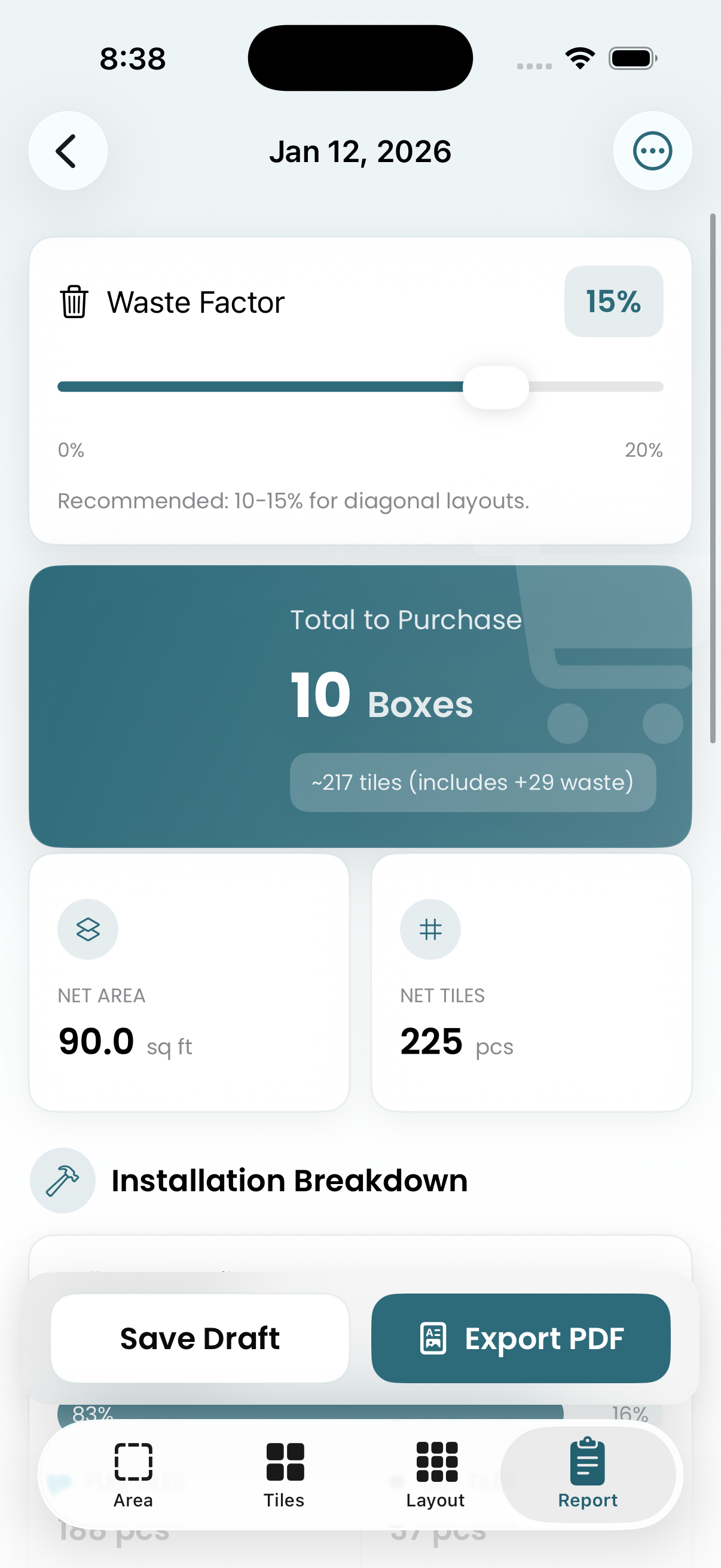
Edit with precision
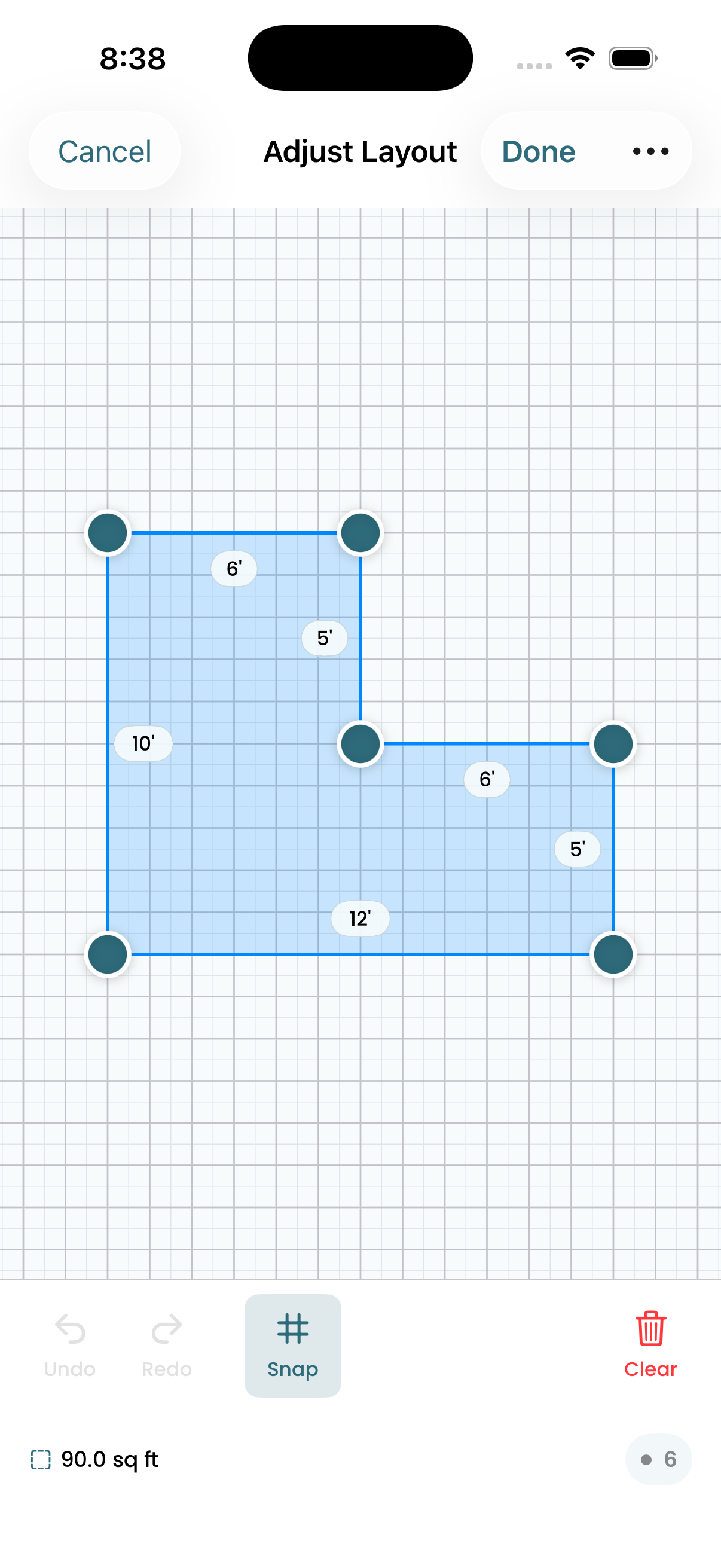
Adjust room geometry by dragging corner points. Measurements update in real time, so you can match your actual floor plan exactly.
- Drag-to-edit corners
- Snap-to-grid option
- Live dimension readout
Tile Planning Tips & Guides
Practical advice for DIYers and contractors planning tile installations.
Free Online Tile Layout Planner — No Download Required
Plan your tile layout directly in your browser with TilePlan's free web app. Draw your room, choose tiles and patterns, and get accurate material counts — no install needed.
How to Plan Your Kitchen Backsplash Tile Layout Online
Use a free online tool to plan your kitchen backsplash before buying tile. See exactly how subway tiles, herringbone, or hexagon patterns will look — and how many tiles you need.
Tile Layout Calculator You Can Use in Your Browser
Skip the app download. TilePlan's browser-based tile calculator generates actual layouts with cut analysis, pattern previews, and material counts — all from a URL.
How to Accurately Estimate Tile for a Bathroom Floor
Stop guessing how many tiles you need. Learn how to calculate bathroom floor tile accurately — including waste, cuts, and pattern impact — using a free online layout tool.
Compare Tile Patterns Side by Side — Free Online Tool
See how straight, brick, diagonal, herringbone, and hexagon tile patterns look in your room. Compare material requirements and cut complexity before committing.
What Size Tile Makes a Small Kitchen Look Bigger?
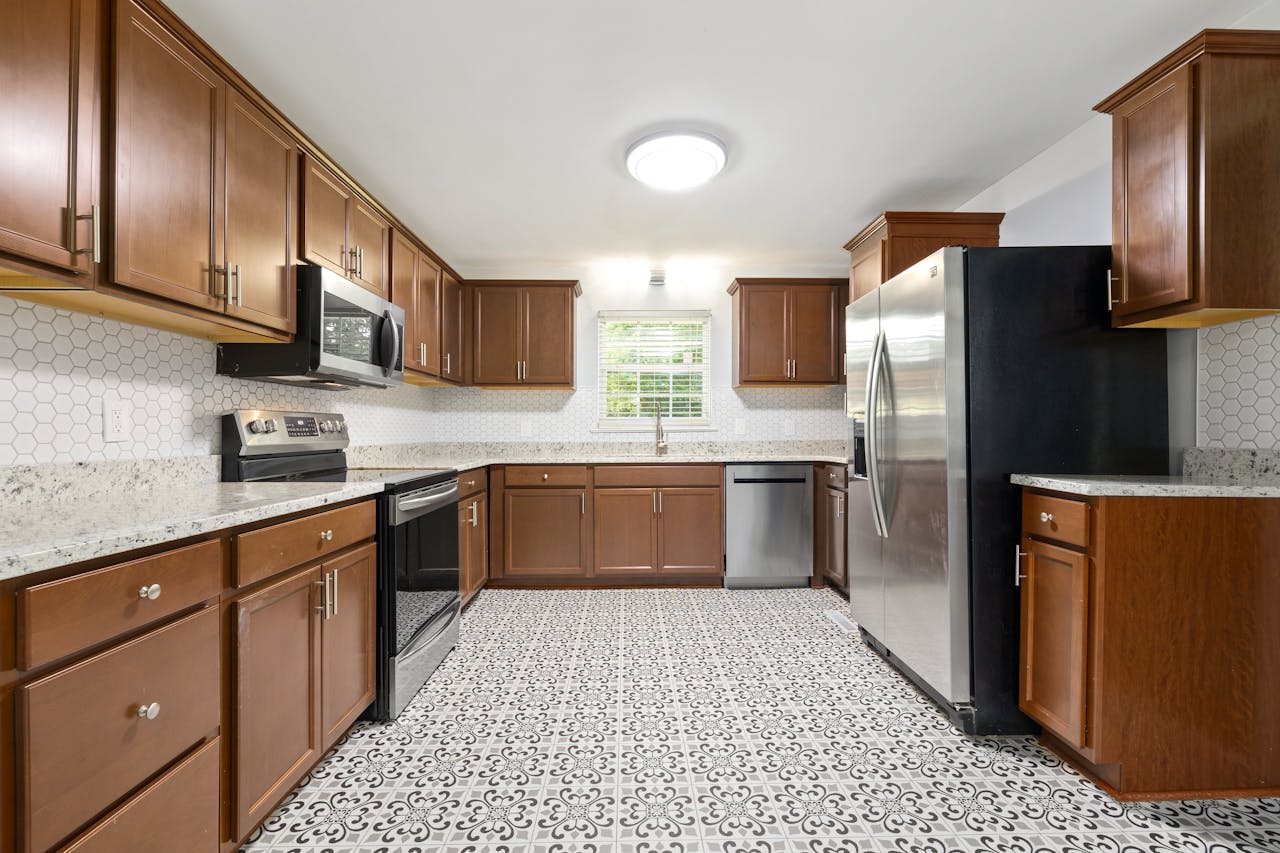
How tile size, layout pattern, and grout color affect the perceived size of a small kitchen — with practical recommendations.
Get TilePlan
Free for iPhone, iPad, and Mac — or use it right in your browser.